
Model Animation
Let's bring your 3D models to life with animations in TresJS. This guide covers loading animated models and controlling their playback.
Where to find models?
You can find quality 3D models for your projects in various online repositories. Here are some hand picked sources from the TresJS community:
- poly.pizza - A collection of free 3D models.
- Pmndrs Marketplace - A marketplace for 3D assets. All free
- KayKit Character Packs - Free and paid character packs. Animated, all CC0, a personal favorite of ours.
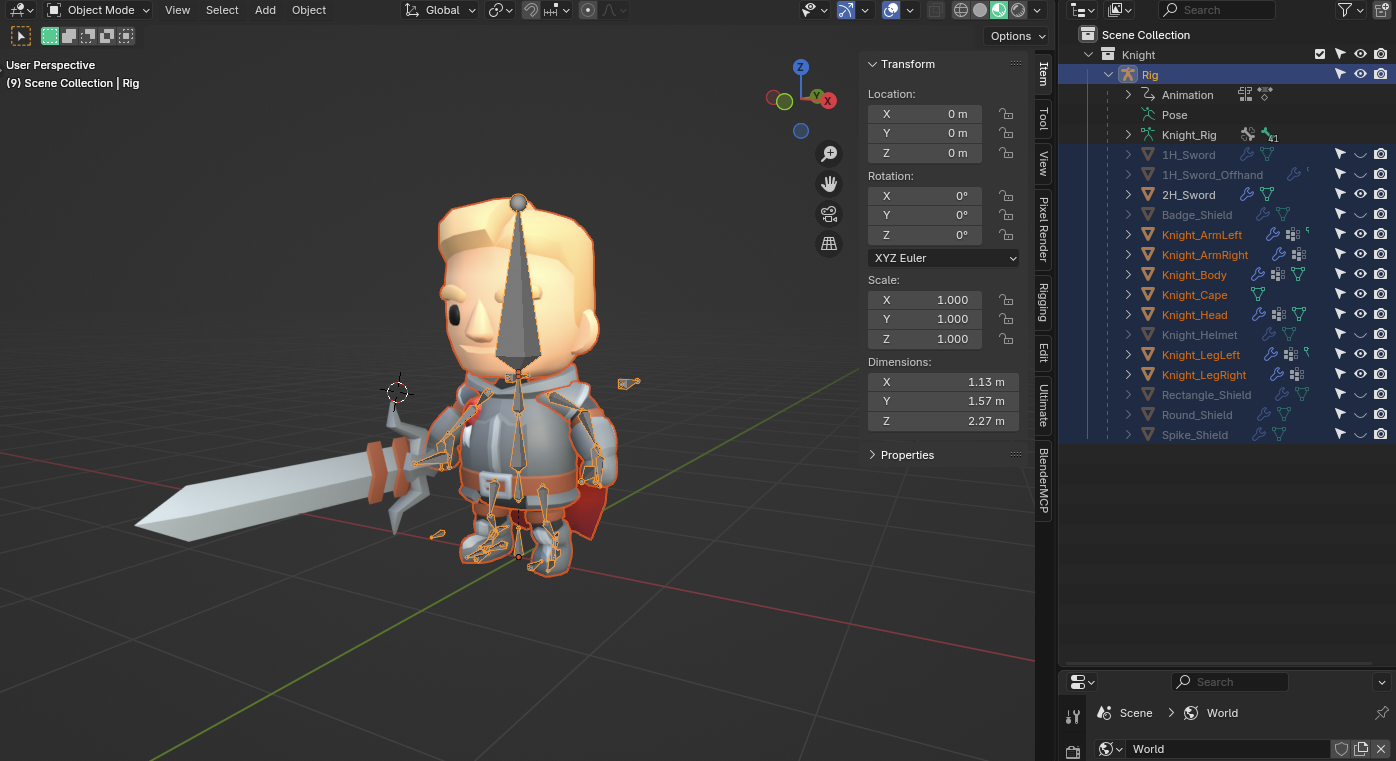
For this tutorial we will use a simplified version of the KayKit Knight character, you can download it directly from here.
Loading Animated Models
Install cientos
If you haven't already, install the @tresjs/cientos package, which provides components for loading 3D models.
npm install @tresjs/cientos
Load the Model
Use the useGLTF composable from @tresjs/cientos to load your animated model. Add the downloaded GLB file to your public directory in a subfolder like /models/knight/.
<script setup lang="ts">
import { useGLTF } from '@tresjs/cientos'

const { state: model, nodes } = useGLTF('/models/knight/Knight.glb')
</script>
Add Rig to the Scene
The Rig is the root object that contains the entire model and its animations. You can access it from the individual nodes.
<script setup lang="ts">
import { useGLTF } from '@tresjs/cientos'

const { state: model, nodes } = useGLTF('/models/knight/Knight.glb')

// We access the rig from the individual nodes
const rig = computed(() => nodes.value.Rig)
</script>

<template>
   <primitive v-if="rig" :object="rig" />
</template>
Animation Control
Use the useAnimations Composable
The useAnimations composable helps manage and play animations from your model. It takes the animations array and the rig as parameters and returns the AnimationClips (actions).
<script setup lang="ts">
import { useGLTF, useAnimations } from '@tresjs/cientos'

const { state: model, nodes } = useGLTF('/models/knight/Knight.glb')

const animations = computed(() => model.value?.animations || [])
const rig = computed(() => nodes.value.Rig)

const { actions } = useAnimations(animations, rig)
</script>
Play an Animation
You can play an animation by calling the play method on the desired action. For example, to play the "Cheer" animation:
const { actions } = useAnimations(animations, rig)

actions.value.Cheer?.play()
Set animation loop
You can set the loop mode of an animation using the setLoop method. For example, to make the "Cheer" animation loop indefinitely:
actions.value.Cheer?.setLoop(THREE.LoopRepeat, Infinity)
actions.value.Cheer?.play()
Smooth Animation Transitions
To create smooth transitions between animations, use the fadeIn and fadeOut methods. This prevents abrupt changes and creates more natural character movement:
<script setup lang="ts">
import { useGLTF, useAnimations } from '@tresjs/cientos'
import type { AnimationAction } from 'three'

const { state: model, nodes } = useGLTF('/models/knight/Knight.glb')
const animations = computed(() => model.value?.animations || [])
const rig = computed(() => nodes.value.Rig)
const { actions } = useAnimations(animations, rig)

let currentAction = ref<AnimationAction | null>(null)

const transitionToAnimation = (animationName: string, duration = 0.5) => {
  const nextAction = actions.value[animationName]
  if (!nextAction) return

  // Fade out current animation
  if (currentAction.value) {
    currentAction.value.fadeOut(duration)
  }

  // Fade in new animation
  nextAction.reset()
  nextAction.setEffectiveWeight(1)
  nextAction.play()
  nextAction.fadeIn(duration)

  currentAction.value = nextAction
}

// Example: Transition from Idle to Cheer
const playCheerAnimation = () => {
  transitionToAnimation('Cheer', 0.3)
}

const playIdleAnimation = () => {
  transitionToAnimation('Idle', 0.3)
}
</script>
Key points about animation transitions:
fadeOut(duration)gradually reduces the animation's influence over the specified durationfadeIn(duration)gradually increases the animation's influence over the specified durationreset()resets the animation to its starting framesetEffectiveWeight(1)ensures the animation has full influence when active- Shorter durations (0.1-0.3s) work well for quick actions, longer ones (0.5-1s) for smoother character transitions